Touchpoint Cleaning: Defining High-Touch Surfaces and Setting Frequencies
How to define touchpoints by building type, set a cleaning frequency you can defend, and document high-touch surface work so it survives a client review.
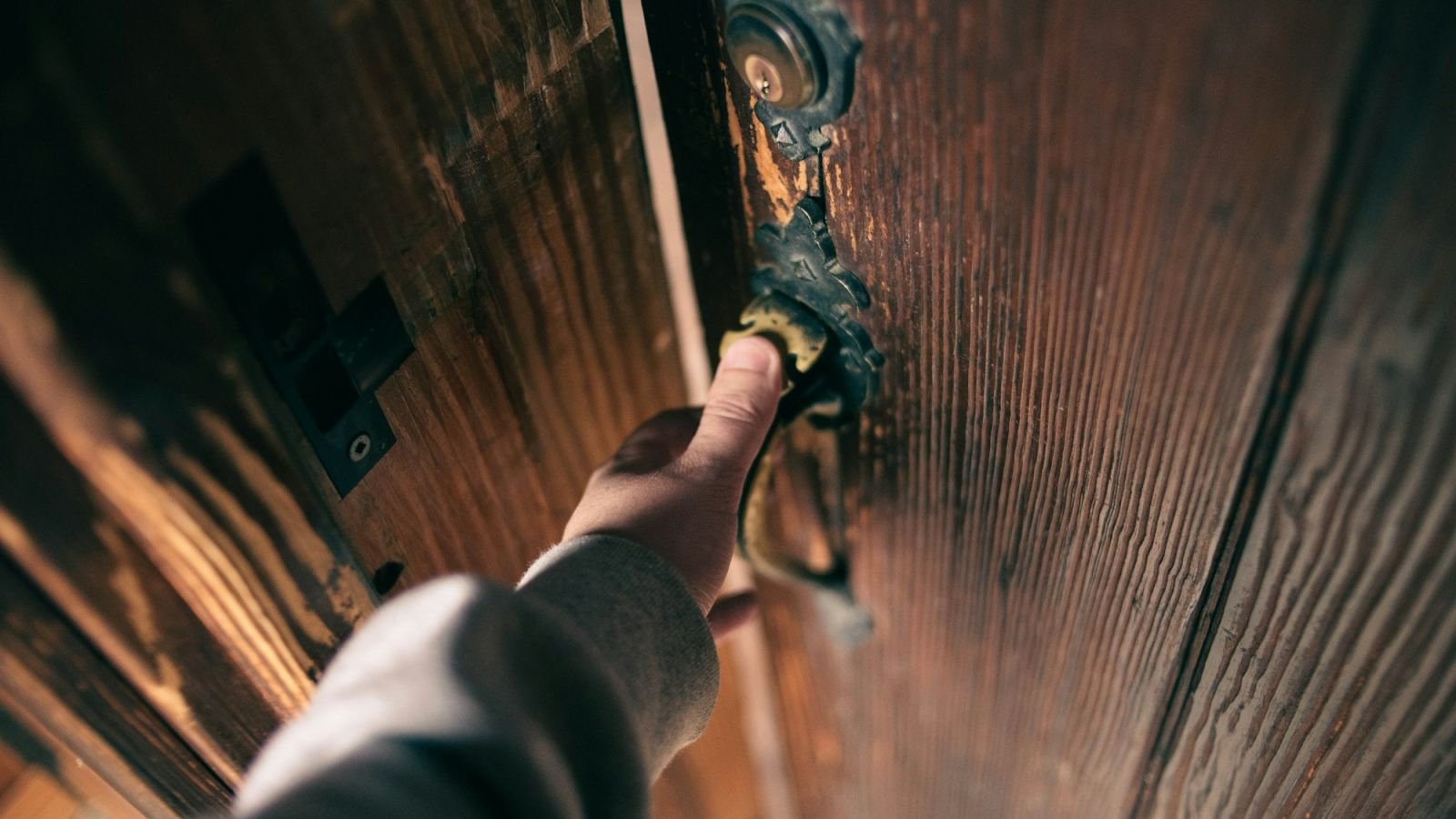
A door handle in an office tower can be touched several hundred times between services. A light switch in a school washroom, a lift call button, a shared keyboard, a handrail used by two hundred people a day. None of these are large, none take long to clean, and almost all of them are invisible in a specification that talks about square metres and frequency per area. That gap is where quality complaints start: a building can be genuinely well maintained and still feel unhygienic, because the surfaces people actually touch were never named in the scope.
Key takeaways
- A touchpoint is any surface contacted by hands, faces or shared equipment during normal use. Define them per building type, not from a generic list.
- Touchpoints fail before floors do, because soil is re-deposited onto them continuously by the people using the building.
- Frequency should follow contact rate, not square footage. A washroom door handle and a store room shelf are not the same job.
- Cleaning and disinfecting are two steps. A disinfectant applied to soiled hardware does not do what the label claims.
- Contact time is part of the method — critical. Read the product label and hold the wet time it specifies before wiping dry.
- Name touchpoints as line items in the specification. What is not written down is what gets skipped on a short-staffed shift.
What counts as a touchpoint
Most articles on this subject publish one long list and leave it there. That list is a starting point, not a scope. The work is deciding which of those surfaces exist in the building you are pricing, how often each is contacted, and who cleans it.
The categories are consistent across building types:
- Entry and circulation. Push plates, pull handles, door bars, lift call buttons and lift car panels, handrails, escalator belts.
- Washrooms. Cubicle door and latch hardware, flush plates, taps, dispenser levers, hand dryer buttons, baby change surfaces.
- Shared work surfaces. Hot desk edges, meeting room tables, shared phones, keyboards and mice where in scope, printer panels, water cooler taps.
- Food and break areas. Appliance doors and handles, microwave keypads, kettle and tap handles, chair backs, vending panels.
- Customer-facing counters. Terminals, card readers, pens, queuing rails, queue ticket dispensers.
- Shared equipment. Gym machine grips and pads, trolley and cart handles, shared tools, equipment controls.
Two facts decide how you treat each one. Hand contact density: how many people touch it per hour. And whether contact is followed by hand-to-mouth, hand-to-food or hand-to-patient contact. A hospital bed rail and an office filing cabinet handle can look identical and require completely different treatment.
Building the touchpoint list per building type
Work through the building once, room by room, and write down every surface that a hand lands on. Then assign each one an owner, a frequency and a method. The result is a table, not a paragraph, and it should live inside the specification rather than in a supervisor's memory.
| Building type | Highest-density touchpoints | Typical baseline | Escalation trigger |
|---|---|---|---|
| Office tower | Entry push plates, lift buttons, washroom hardware, meeting room tables, kitchen appliances | Each service day | Cold and flu season, or a reported illness cluster |
| School or childcare | Washroom hardware, classroom door handles, shared devices, water fountains, gym equipment | Twice daily in washrooms and shared corridors | Outbreak notice from the facility |
| Food service and grocery | Cart handles, self-checkout screens, counter and terminal surfaces, cooler doors | Each service day, with mid-day wipe on carts and counters | Peak trading periods |
| Fitness and recreation | Machine grips, mats, lockers, change room benches, shower controls | Each service day, plus member self-wipe stations | Peak hours |
| Health and dental clinic | Exam room contact surfaces, waiting seating, door hardware, dispensers | Each service day, with disinfection between patients where assigned | Clinic's own infection control direction |
| Transit and public venues | Handrails, grab poles, ticket machines, seating edges, washroom hardware | Continuous during service hours | Event or service disruption |
Two rules make that table defensible. Write one line of method per row — what product, what tool, what sequence — so two cleaners produce the same result. And mark the hygiene-critical rows so they cannot be traded away when a shift runs short.
Why touchpoints degrade faster than anything else
Soil on a floor accumulates. Soil on a door handle is re-deposited: the surface is cleaned, twenty people touch it in the next hour, and the load returns faster than any single cleaning cycle can address.
Frequency beats intensity. A quick, correct wipe four times a day outperforms one thorough disinfection at night on a surface contacted continuously. In shared buildings, the honest answer to "how often" is often "more often than a nightly clean can deliver".
Method consistency matters more than product choice. The same wipe, sequence and dwell time every time produces a predictable result; rotating between whatever is on the shelf produces a variable one.
Small surfaces are easy to skip silently. A cleaner under time pressure will not skip the washroom floor. They may well skip the underside of the hand dryer. That is why touchpoints belong on the checklist as named items with photos, not folded into "washroom cleaned".
Setting a frequency you can defend
Frequency arguments with clients are usually about cost, so bring the reasoning with you. The chain is: contact density, plus consequence of contact, plus how fast the surface visibly and hygienically degrades in that building.
| Contact rate | Hygiene consequence | Suggested baseline |
|---|---|---|
| Continuous (handrails, lift buttons, cart handles) | Moderate to high | Multiple passes per service day, or continuous daytime presence |
| Many times per hour (washroom hardware, shared terminals) | High | Each service visit, plus a mid-day or interval wipe where traffic warrants |
| Several times per day (meeting room tables, appliance handles) | Low to moderate | Each service visit |
| Occasional (store room handles, plant room panels) | Low | Weekly, or as part of the routine clean |
Put the reasoning in writing next to the frequency. "Washroom door hardware: cleaned and disinfected twice daily; contact rate measured at peak morning and lunch periods" survives a budget review. "Washroom hardware: twice daily" invites the question "why twice?".
Where the client pushes back on frequency, offer the honest alternative: reduce the surface set, not the contact rate. Cleaning the four highest-density touchpoints properly four times a day is a better contract than nominally covering forty touchpoints once a night and failing on all of them.
Clean first, then disinfect
The two-step rule is not a formality. Disinfectants are formulated for pre-cleaned surfaces, and organic soil interferes with them. On a visibly soiled handle, applying disinfectant and wiping immediately is a cleaning action, not a disinfection action.
The working sequence for a touchpoint:
- Remove soil with a damp cloth or wipe and the correct detergent for the surface.
- Apply the disinfectant so the surface stays visibly wet for the contact time on the label.
- Hold that contact time — critical. Most common products specify a dwell time between thirty seconds and a few minutes; wiping dry immediately cancels the step.
- Allow to air dry where the surface is not immediately needed.
- Change cloths and solution at the interval the product and your procedure specify, not when they look dirty.
Chemistry discipline is its own subject, and dilution errors cause as many failures as missed visits do — the practical controls are set out in chemical inventory and dilution control.
Scope note: Products used for disinfection must be registered for the intended claim, and requirements for specific facility types — clinical, childcare, food — are set by provincial health regulators, not by the cleaning contractor. Confirm which products and contact times a site expects, and follow the facility's own procedures.
For authoritative background on the cleaning and disinfection distinction for cleaning staff, CCOHS publishes Sanitation and Infection Control for Cleaning Staff.
Colour coding, tools and cross-contamination
A touchpoint programme can be undone by its tools. The same cloth that cleaned a washroom fixture should never finish on a kitchen appliance handle, and the same bucket solution should not travel from a washroom to a break area.
Practical controls:
- Colour-coded cloths and mops by zone, with the scheme posted where the equipment is stored so new staff can follow it without asking.
- Fresh solution per zone rather than per shift.
- Microfibre folded in quarters, refolded as faces soil, so a clean face is always in contact with the surface.
- Separate tools for hygiene-critical surfaces — critical — and a documented laundering or disposal cycle.
- No dry dusting of high-touch hardware. Dry methods move soil rather than remove it.
Shared equipment and personal items
Keyboards, phones, headsets, gym grips and shared tools are the category most often left out of scope, and the one that generates the most friction when it is included without agreement. Decide and write down which shared devices are in scope and which are the user's responsibility, whether they are disinfected or only wiped, and what happens to personal items on a hot desk — the default is do not disturb, clean around them. Report damaged or failing equipment rather than cleaning around it; you can work around a cracked screen protector, you cannot repair it.
Documenting touchpoint work so it holds up
A client will not audit your hygiene logic. They will look at whether the door handle feels clean and whether you can show that someone checked.
- Named line items on the checklist per area, not a single "touchpoints cleaned" tick.
- Critical flags on the hygiene-critical rows, so a good average cannot hide a failed washroom.
- Photos per item at the point of work, particularly in the first month of a contract.
- Recorded frequency, with the time of each pass. That is what distinguishes a twice-daily contract from a once-nightly one in a dispute.
- Deficiency logging for damaged hardware or a dispenser that needs replacing.
That record is the difference between saying the work was done and showing it. The reporting side is covered in cleaning client reporting, and inspection rounds are set out in the janitorial inspection checklist.
Reviewing the list twice a year
A refurbishment adds a shared kitchen. A tenant moves from assigned desks to hot desks and multiplies contact surfaces. None of that reaches the specification unless someone walks the building with the touchpoint list in hand. Twice a year, and after any fit-out, check whether listed surfaces still exist, whether new ones have appeared, and whether the recorded frequency still matches how the space is used. Update the specification in writing and confirm any cost effect with the client.
Where self-checking fits
The person cleaning the washroom knows whether they wiped the latch plate. A short end-of-shift self-check against the touchpoint rows catches small omissions before an inspector does — how to build that into the shift is covered in how to measure cleaning quality.
Where this fits in the quality system
This sits under our how cleanliness levels are graded, which sets out the standard these checks are measured against.
Frequently asked questions
What counts as a high-touch surface?
Any surface contacted by hands or faces during normal use of a building. Common categories are door hardware, lift buttons, handrails, washroom fixtures and dispensers, shared work surfaces and devices, appliance handles, and customer-facing counters and terminals. The list should be built per building rather than copied from a generic one.
How often should high-touch surfaces be cleaned?
Frequency follows contact rate. Surfaces contacted continuously, such as handrails and cart handles, need multiple passes per service day or continuous daytime attention. Surfaces contacted many times per hour, such as washroom hardware, are normally cleaned each service visit with an interval wipe where traffic justifies it. Seldom-touched hardware can run weekly.
Do high-touch surfaces need disinfecting or just cleaning?
Where contact is followed by hand-to-mouth, hand-to-food or hand-to-patient contact, disinfection is the expected standard after cleaning. Elsewhere, cleaning to remove soil and re-deposited oils may be sufficient, with disinfection added during illness seasons or per the facility's direction. Always follow the product label and the facility's requirements.
Why do touchpoints need contact time?
Disinfectants are formulated to work while the surface remains wet for a specified period, often thirty seconds to several minutes. Wiping the product off immediately removes it before it has done the job the label claims, which is why contact time belongs in the written method rather than in a cleaner's judgement call.
How do I prove touchpoint cleaning was done?
Record named touchpoint items per area with the time of each pass, flag hygiene-critical items so they cannot be hidden by an average, and attach photos where the standard needs to be shown. Keep the record stable over time so the client can see frequency and consistency rather than a single walk.
Name the surfaces, then defend the frequency
Touchpoint cleaning fails for a boring reason: the surfaces were never written into the scope as named items, so nobody can show they were done and nobody can explain why they matter. Fix the list, set the frequency from contact rate, write the method including contact time, and record the work.
NeatScore lets you build area-specific checklists with critical touchpoint items flagged, record completion with photos and timestamps, and keep a dated report your client can trust. Try it free for 14 days, or see pricing.