Library Cleaning: Dust Control, Collections and Public Facilities
How to clean libraries, covering book and collection care, dust control, reading rooms, computer areas and the public facilities that come with them.
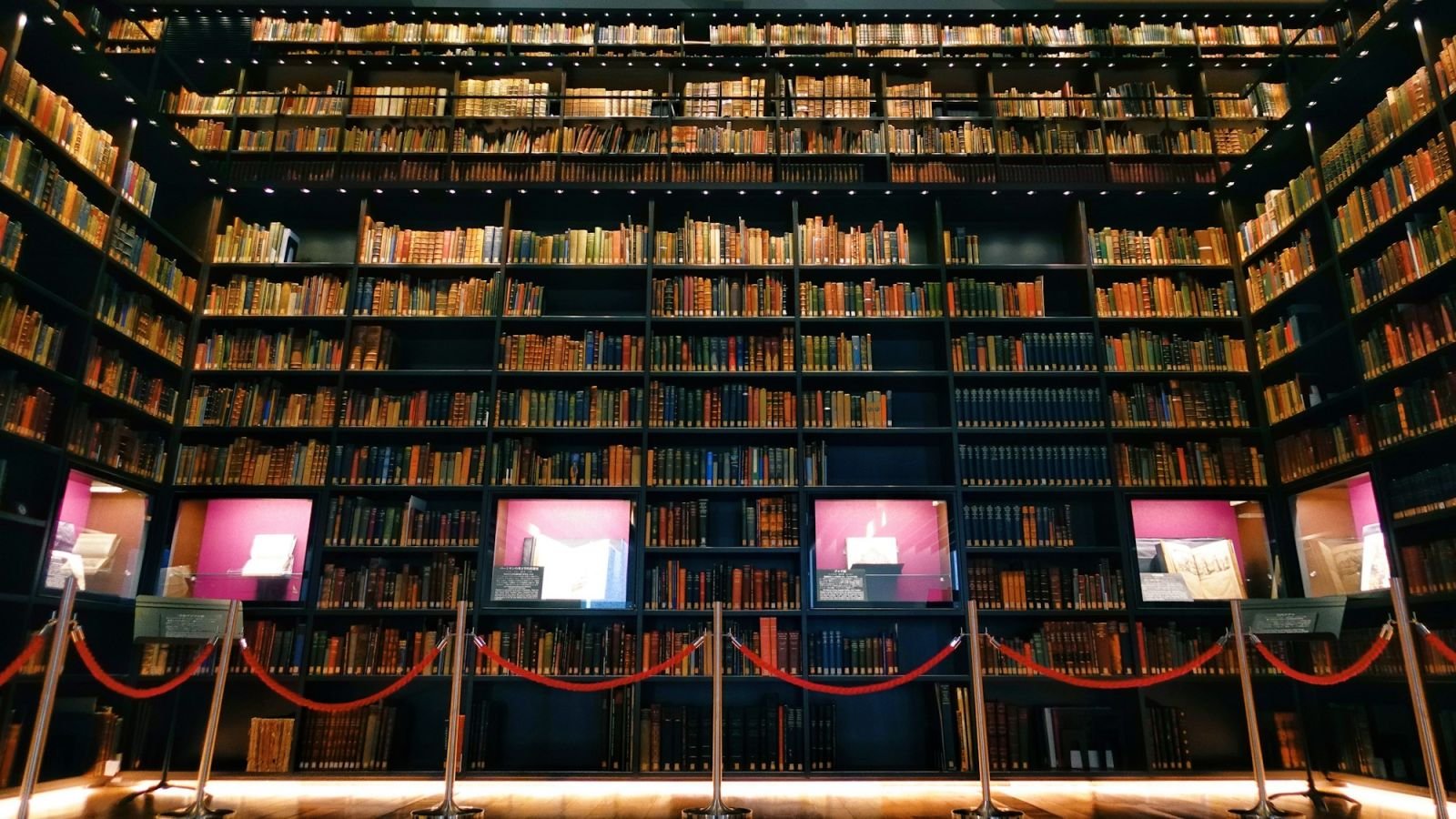
A library is a public building with an unusual constraint: the collection is often worth more than the building, and it is damaged by the very things cleaning removes — water, chemicals and dust.
Library cleaning is therefore about dust control and gentle methods, applied around a normal public facility that also has washrooms, computer areas and heavy footfall.
Key takeaways
- Dust is the enemy of collections. Control it before it settles into shelving and paper.
- Water is the other enemy. Never wet-clean near books, and never let a mop run under shelving.
- Use dry methods first, always — vacuum with filtration rather than sweeping.
- Never move, reshelve or handle collection material beyond what your scope specifies.
- Public areas — washrooms, computers, entrances — drive complaints as much as the collection.
Collection and shelving care
Handle with care, and only as instructed.
- Dust shelving and book spines with a soft, dry method — never a wet cloth — critical
- Use a HEPA-filtered vacuum with a brush attachment on shelving where permitted; sweeping aerosolises dust onto the collection
- Never remove books from shelves to clean behind them unless specifically contracted and trained
- Never reshelve or reorder material — a misplaced book is effectively lost
- Never wet-clean shelving, books or periodicals — critical
- Never use spray products near open shelving; overspray damages paper
- Clean shelf tops and range ends where dust accumulates visibly
- Dust architectural features, ledges and periodical display frames carefully
- Report damaged, mouldy or water-affected material immediately — critical. Mould spreads
- Report pest evidence — critical. Book pests damage collections fast
Archive and special collections
Usually restricted. Confirm scope before entering.
- Only clean where the archivist has authorised it and specified the method — critical
- Typically dry cleaning only, with conservation-approved equipment
- Never handle material directly; never move boxes or volumes
- Follow any environmental or climate control requirements
- Report humidity, water ingress or pest evidence immediately — critical
- Treat this as a specialist scope; if in doubt, do not clean it
Reading rooms and study areas
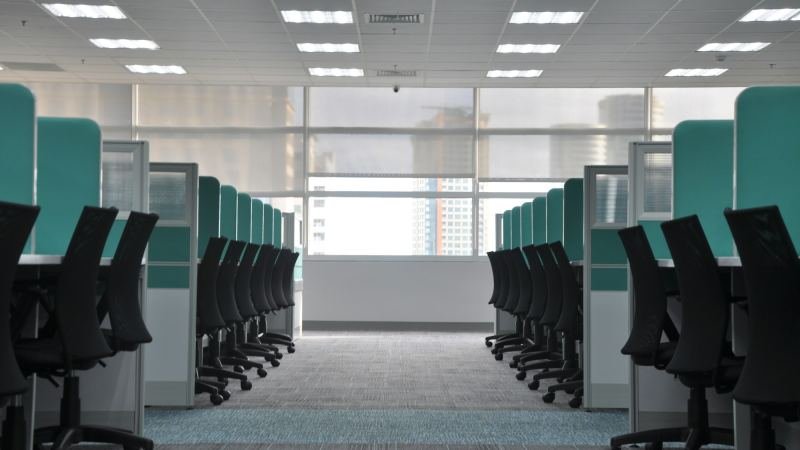
- Vacuum carpeted areas including under tables and chairs — critical
- Clean and dust tables, desks, lamps and study carrels
- Wipe and disinfect shared touchpoints: chair backs, lamp switches, table edges — critical
- Clean whiteboards and study surfaces where in scope
- Empty and clean waste and recycling, including paper recycling
- Clean windows and interior glazing
- Spot clean upholstery and soft seating
- Remove litter and left items, handing valuables in
Public computer and technology areas
- Clean and disinfect keyboards, mice, screens and touchscreens — critical (highest-touch surfaces in the building)
- Wipe printers, scanners and self-service kiosks externally — critical
- Never open, move or disconnect equipment — critical
- Clean desks, seating and cable management covers
- Vacuum around and beneath computer desks carefully
- Dust screens only with appropriate products and dry cloths
- Report faults, damaged cables or missing equipment
Entrance, lobby and circulation
- Spotless entrance glass and doors — critical
- Clean and disinfect door handles and push plates — critical
- Clean entrance floors, with continuous attention to matting in wet weather — critical
- Clean handrails and balustrades — critical
- Dust and clean signage, notice boards and display cases
- Empty and clean bins
- Clean stairs and landings — critical (fall risk)
- Ensure egress routes and accessible paths are clear — critical
Washrooms and family facilities
- Clean and disinfect all fixtures — critical
- Clean and dry floors — critical
- Restock soap, towel and toilet paper — critical
- Clean mirrors, partitions and doors
- Empty and reline bins and sanitary units
- Check and clean baby change and accessible facilities — critical
- Address odour at source
- Report damage and blockages
Meeting rooms, program rooms and staff areas
- Vacuum and mop floors; clean tables and chairs
- Clean and disinfect shared equipment — critical
- Clean kitchens and staff rooms to food standards — critical
- Clean and restock washrooms
- Reset rooms after programs and events
- Clean glass, whiteboards and display surfaces
- Empty waste and recycling
Methods that protect the collection
- Dry before wet, always — dust control comes first
- HEPA filtration vacuums rather than sweeping or ordinary vacuums
- Microfibre, barely damp for hard surfaces away from shelving
- No aerosols, no sprays, no strong odours near collections
- Never leave a wet mop or bucket near shelving — critical
- Never use a machine scrubber near low shelving where splash reaches material
- Watch for water damage from leaks — report immediately, since mould follows within days
- Avoid products with strong fragrance in reading and collection areas
Inspecting a library
Score these as critical:
- Shelving and spines dust-free with no wet cleaning evident
- No water damage, mould or pest evidence anywhere
- Study tables and touchpoints clean and disinfected
- Computer areas clean, with equipment untouched
- Entrance glass and doors clean
- Washrooms clean, stocked, dry and odour-free
- Floors clean and dry; egress routes clear
- Bins emptied and clean
- Restricted and archive areas untouched
- Records completed
For the method, see what a cleaning inspection is; for dust control in public buildings, office cleaning checklist.
Frequently asked questions
How do you dust library shelves without damaging books?
Use a soft dry method or a HEPA-filtered vacuum with a brush attachment, working carefully around spines, and never use wet cloths or sprays near shelving. Never aerosolise dust by sweeping, which drives it into the collection.
Can you use water to clean a library?
Only on hard floors and surfaces well away from shelving, and never in a way that lets moisture reach books or periodicals. Water damage leads to mould within days, which is far more costly than the cleaning saved.
Should cleaning staff move books?
No. Not to clean behind them, and never to reshelve or reorder material. A misplaced item is effectively lost to the collection, and handling causes wear. Only move material if specifically contracted and trained to do so.
How do you clean library computers and keyboards?
Clean and disinfect keyboards, mice, screens and touchscreens with appropriate products and methods, wipe kiosks and printers externally, and never open, move or disconnect equipment. Report faults rather than attempting repairs.
What should cleaners do if they find mould or water damage?
Report it immediately and do not attempt to clean it. Mould spreads quickly through collections, and remediation is a specialist job. Early reporting is genuinely valuable to the library.
Protect the collection, serve the public
A library clean balances two jobs: gentle care around irreplaceable material, and rigorous cleaning of the public facilities that drive complaints.
NeatScore lets you build area-specific checklists with collection-care and scope items flagged critical, record completion with photos, and keep a dated record the library can audit. Try it free for 7 days, or see pricing.